Features
Everything that happens after the call
-
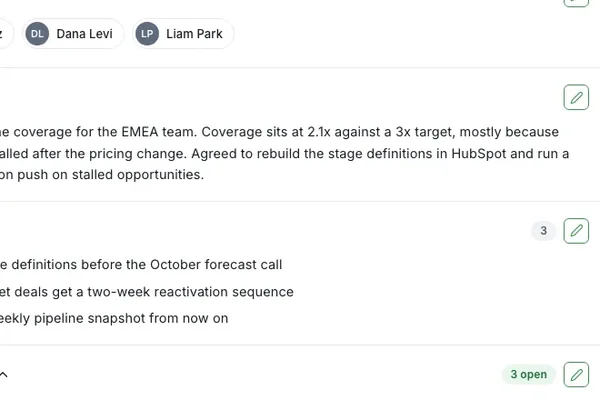
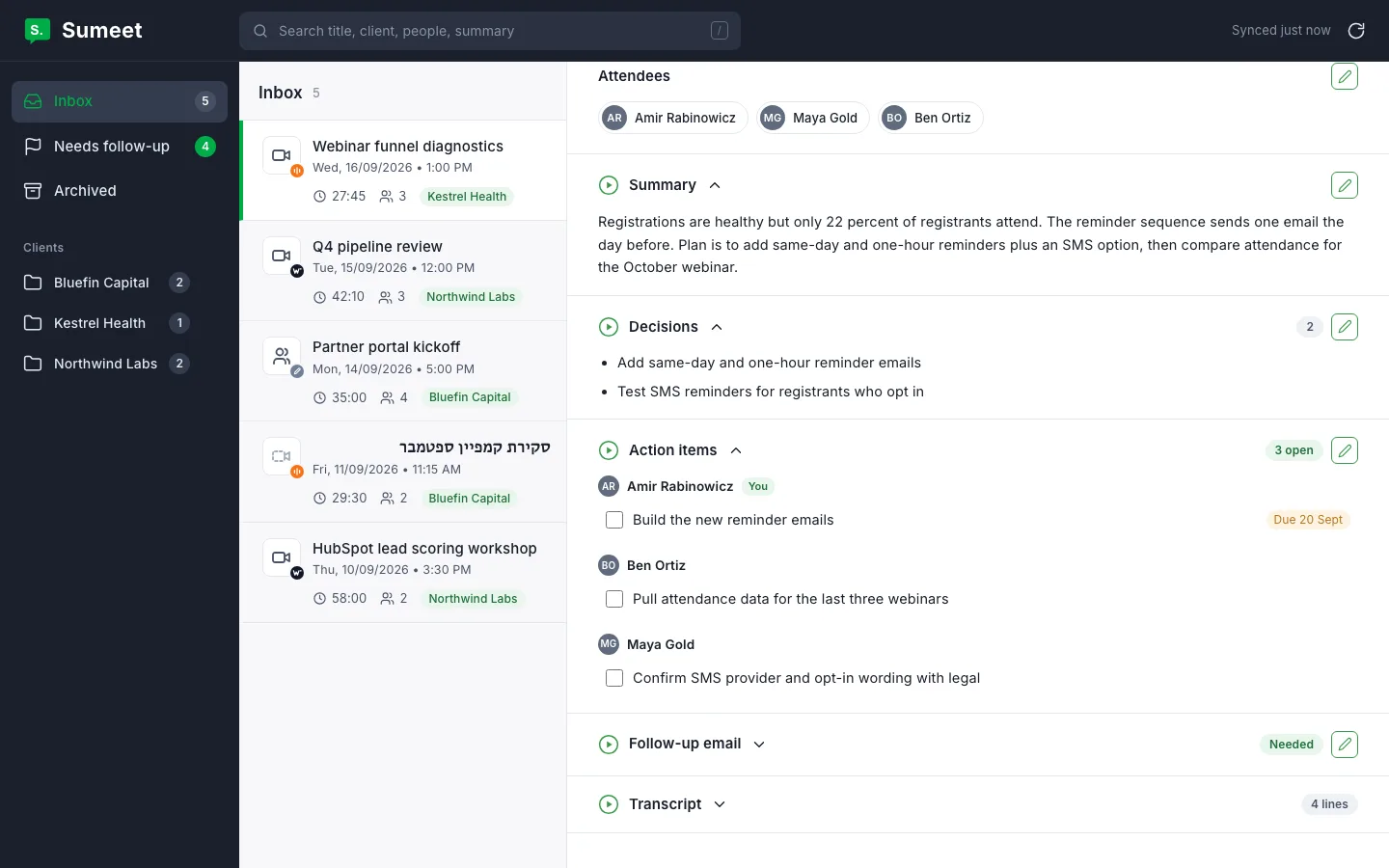
Summarizer
The summary, the decisions and the action items, written for you.
-
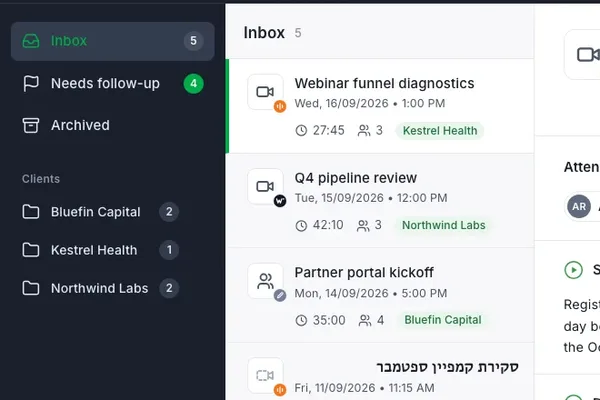
Dashboard
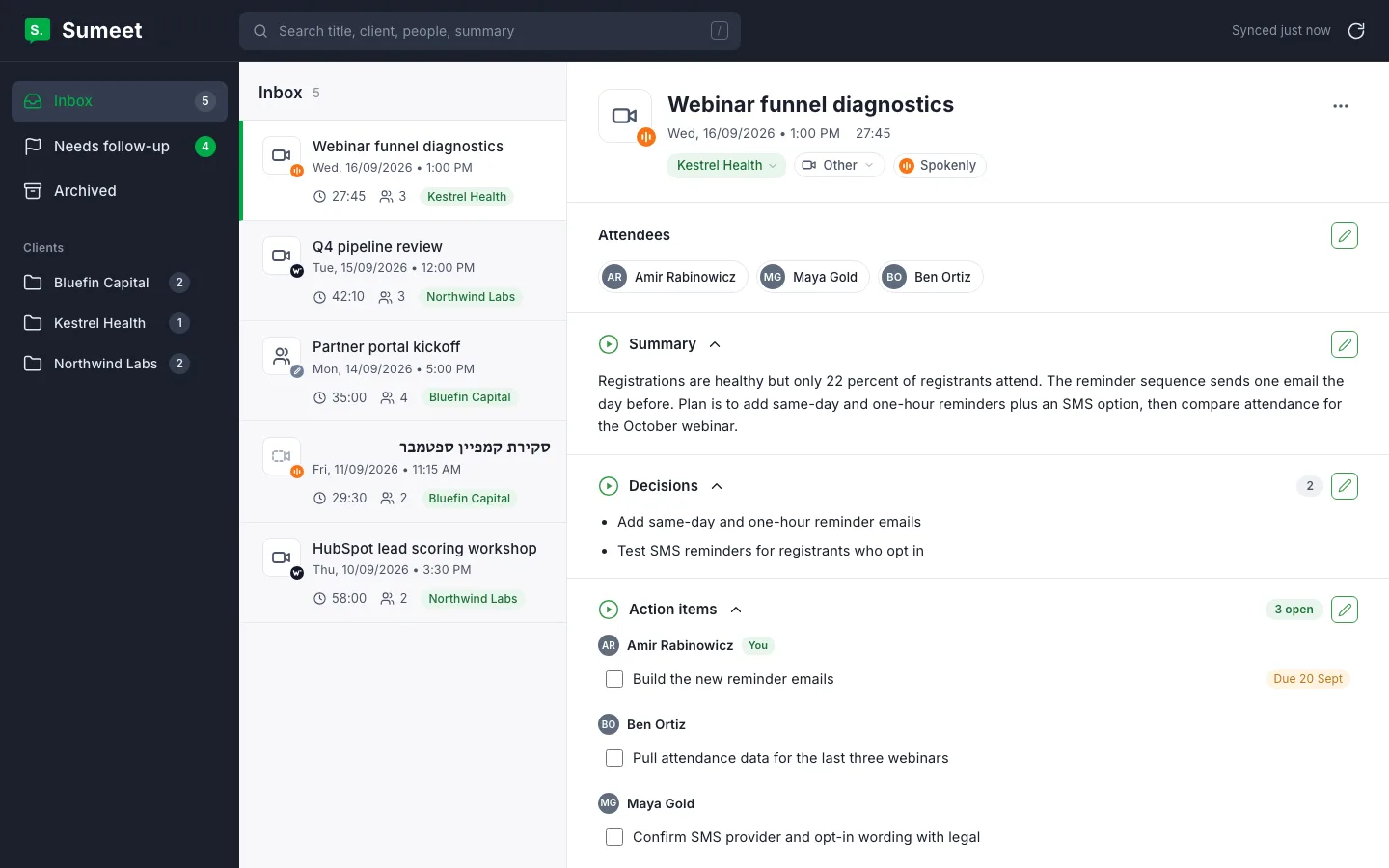
Every meeting filed under the right client, with the open items on top.
-
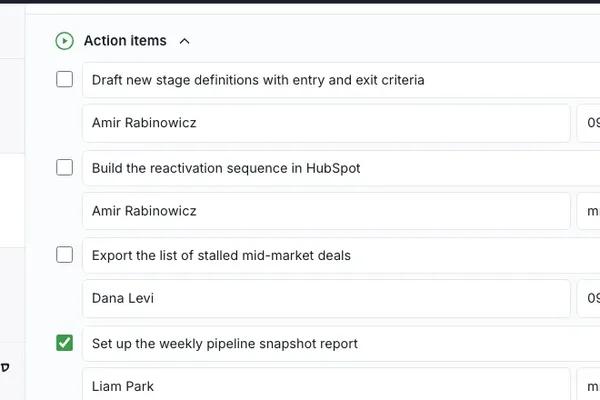
Editing
Correct anything the AI got wrong, and it stays corrected.
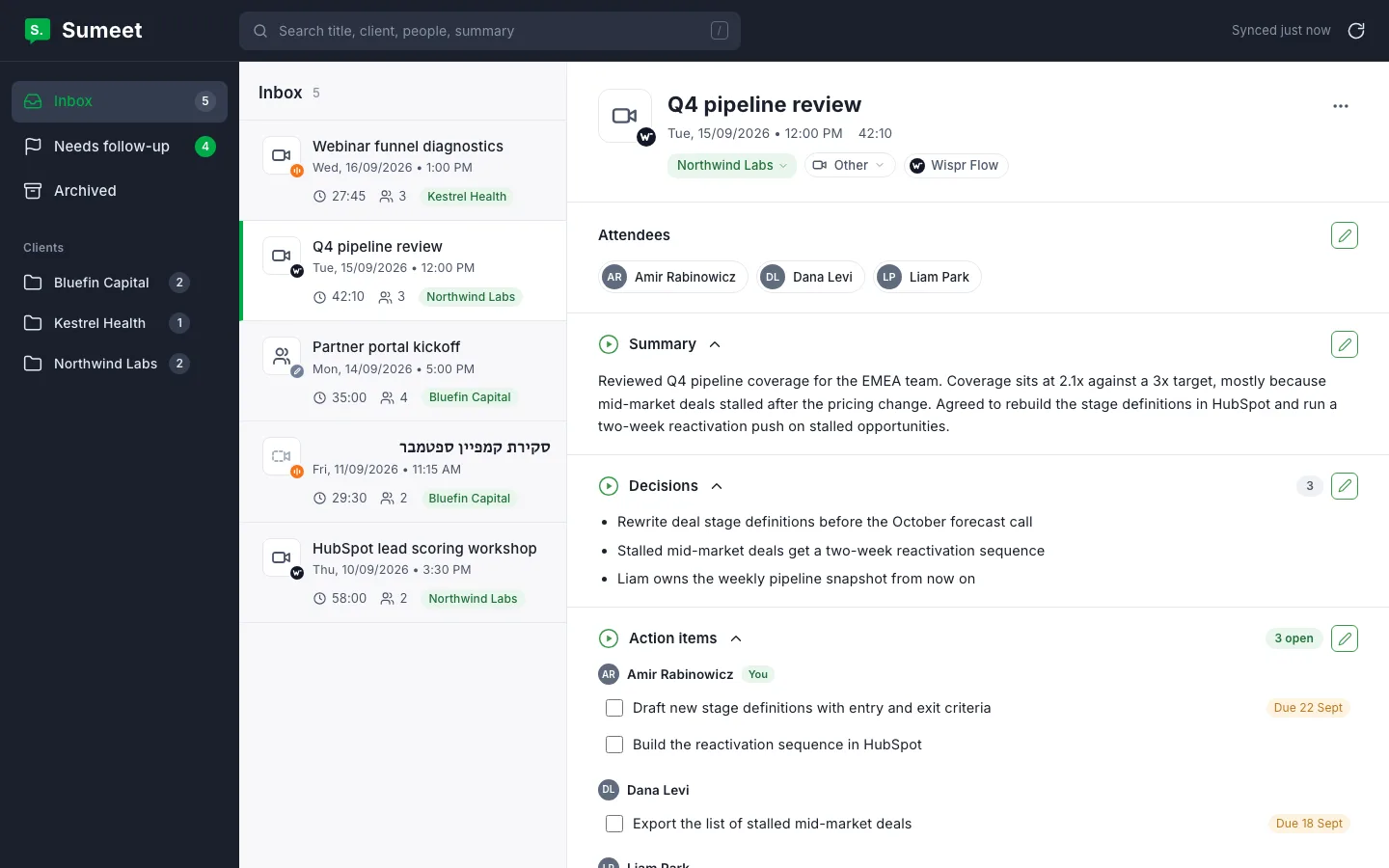
Meeting Summary
Sumeet summarises your meeting. It produces human-level summaries and bullet points packed with insights and action items, with minimal data loss. No more trying to remember who said what, or digging through a recording to find the one thing that mattered.
The summary keeps getting better as the models behind it do. You can edit any part of it yourself, and your edit is what you see from then on.
Main features
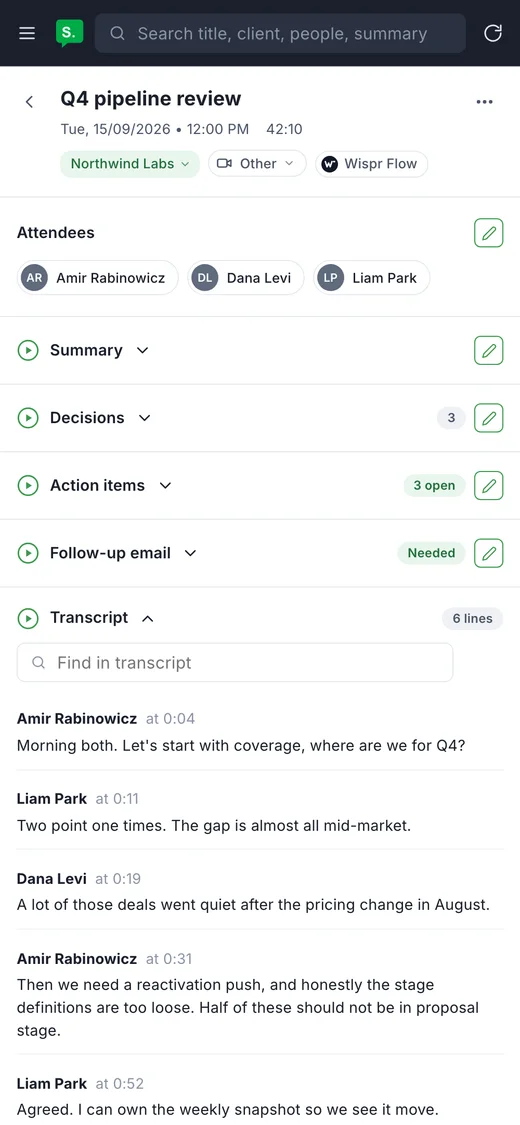
- Full meeting transcript
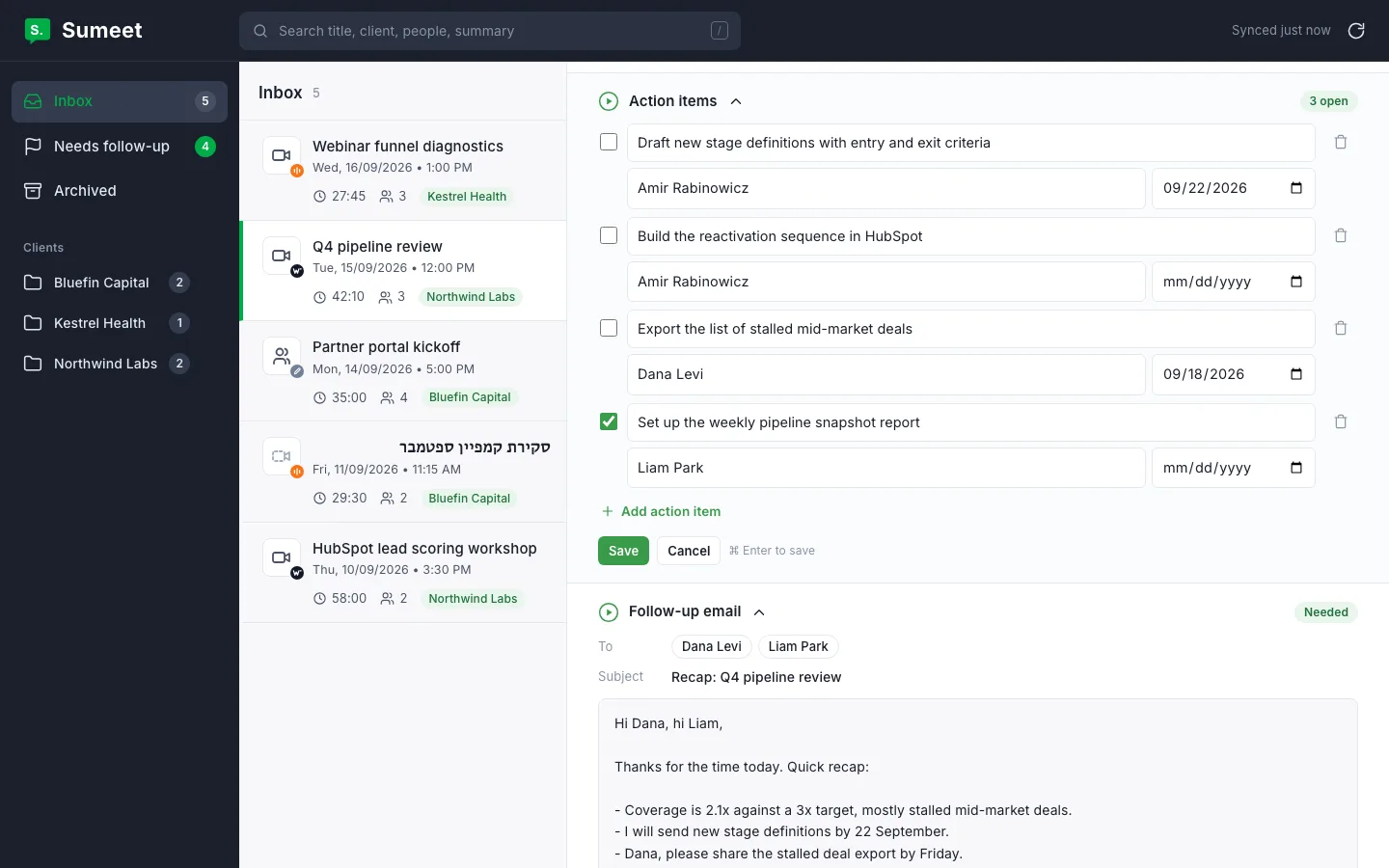
- Summary and action items: a detailed summary including a list of action items by owner
- Time stamps
- Speakers and voice recognition
- Meetings inbox: organise, edit and search
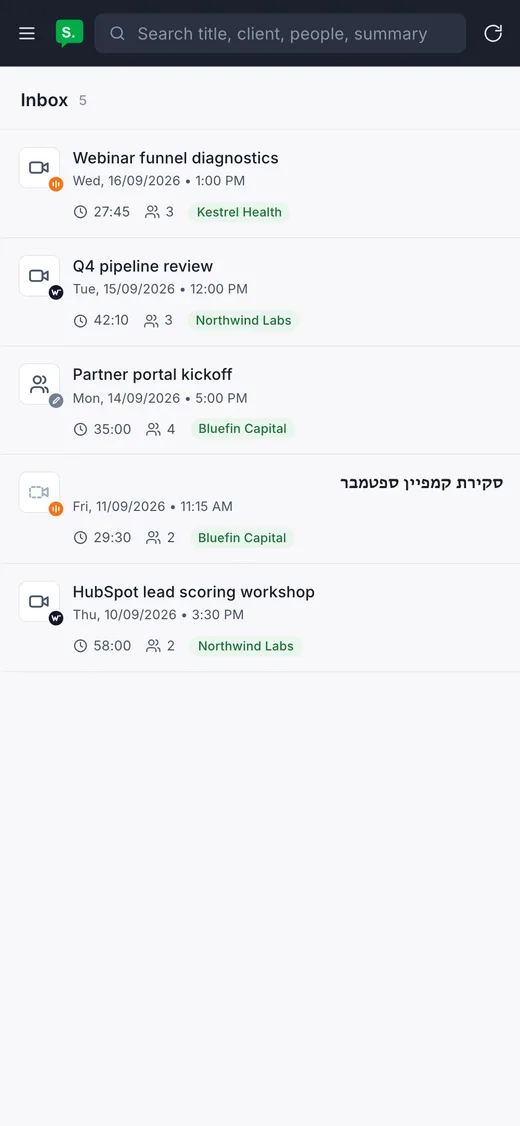
Meetings Dashboard
Manage all your meetings in a single place. Organise them by client, and move, rename or merge clients as your work changes. Search for specific keywords in any recorded meeting.
- Manage all your meetings in one place
- Organise them by client, your way
- Search any part of any meeting
Works where you meet
Sumeet takes the transcript, wherever the meeting happened.
- Zoom
- Microsoft Teams
- Google Meet
- Phone
- In person
How does Sumeet work?
-
Step 1
Record.
Use Wispr Flow or Spokenly to record and transcribe the meeting.
-
Step 2
Process.
Sumeet reads the transcript and writes the summary, the decisions, the action items and a follow-up email.
-
Step 3
Follow up.
Everything lands in your Sumeet inbox, filed under the right client.
Follow-ups
-
Follow-ups are instant.
No more letting colleagues and clients wait for the recap.
-
Filed by client.
Every meeting lands under the right client, with the open action items on top.
-
Yours to correct.
Edit the summary, the action items or the follow-up before you send it.
Editing
- Edit any part of a meeting: title, summary, decisions, action items, follow-up
- Move a meeting to another client, or reorganise clients
- Search meetings by keyword and filter by client
Private by design
Sumeet runs on your own infrastructure. Your meetings sit in your own storage and the app is reachable only by you, behind your own login. Nothing is shared with anyone else.